Reverse Alpha Blending Explained: How GeminiErase Restores Your Pixels
The Mathematical Precision Behind GeminiErase
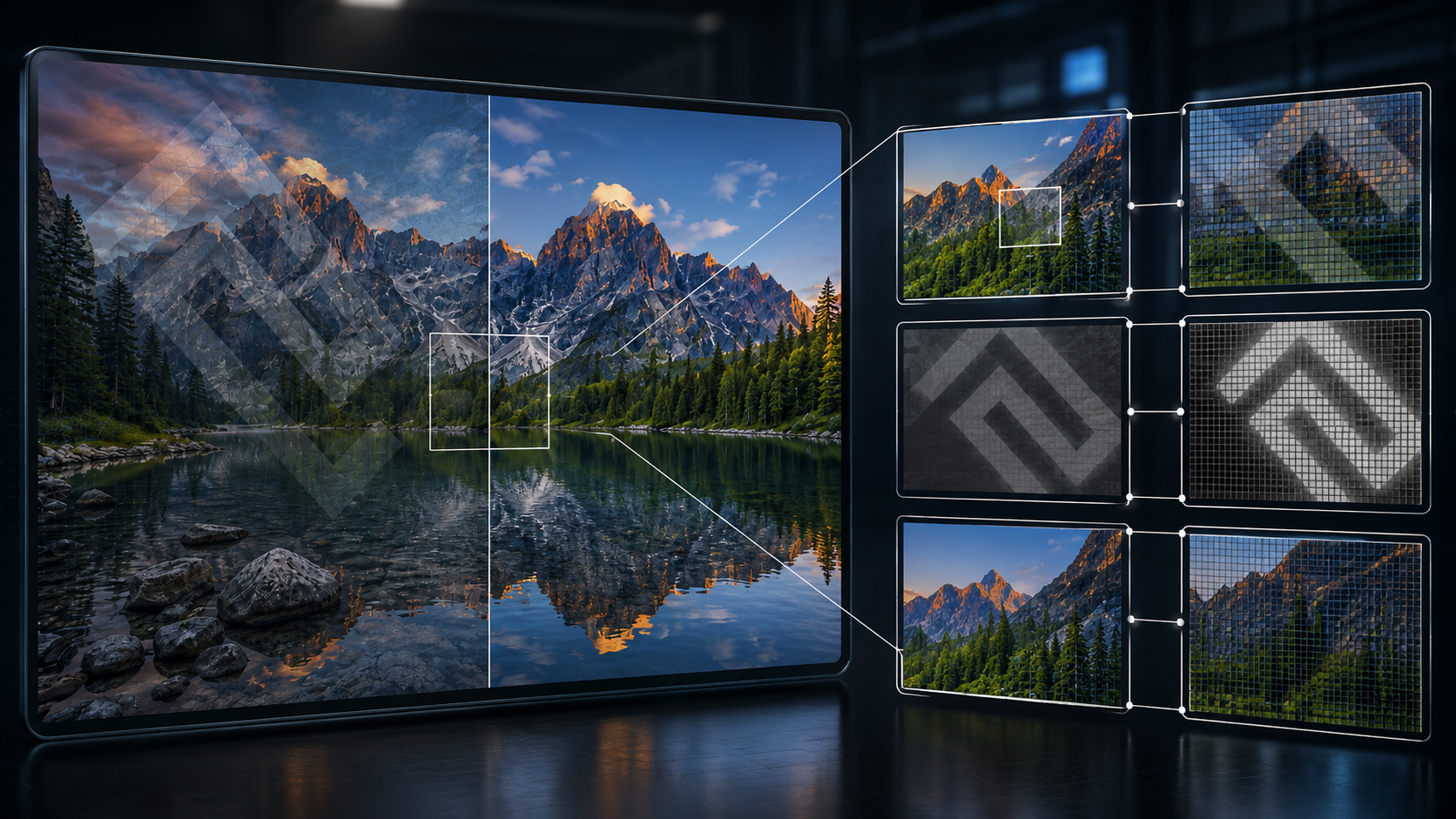
GeminiErase removes the visible Gemini watermark without relying on AI guessing because the exact math required to reverse the visual overlay is a fully known commodity. By applying deterministic reverse alpha blending, our system calculates and reconstructs the precise original pixels hidden beneath the watermark.
When Google adds its signature four-pointed star to an AI-generated image, it does not permanently overwrite the background. Instead, it blends a semi-transparent layer over the top using standard compositing techniques. Traditional image cleanup methods utilize probabilistic AI inpainting models to guess what used to exist under that layer. These generative models hallucinate missing data and frequently produce blurry patches, mismatched textures, or structural artifacts.
We bypass this generative flaw entirely by treating the cleanup process as an algebra problem. By utilizing precise mathematical algorithms, we run the blending formula in reverse. Users who want a flawless export can utilize our browser-based watermark removal tool to extract the original data pixel by pixel.
Because the operation relies on pure mathematics rather than deep learning inference, the execution is highly efficient. The processing engine completes the extraction in under 2 milliseconds. It leaves the underlying image data completely intact and restores the original visual fidelity with remarkable accuracy. Furthermore, your machine handles the entire operation locally inside your browser cache. This zero-upload architecture guarantees absolute privacy, zero latency, and immediate results for developers, designers, and creators who require clean professional exports instantly.
How Gemini Applies Its Watermark: The Alpha Blending Formula
To understand how we restore your image, you first need to understand how the system applies the overlay. When the Gemini model generates a picture, the final rendering step involves stamping a visible four-pointed star onto the corner of the canvas. The rendering engine does not destroy the original pixels outright. It composites the logo over the original image using a standard computer graphics technique called alpha blending.
Alpha blending mathematically combines a translucent foreground element with a background element to create a final, unified result. We can express this rendering process through a fundamental compositing equation:
C = (α × W) + ((1 - α) × B)
To break this technical process down logically, we must define each specific variable within the equation:
C (Composited Pixel): This represents the final color value you observe on your exported file.
W (Watermark Pixel): This is the pure color value of the Gemini logo graphic before any transparency affects it.
B (Background Pixel): This constitutes the true, original color of your generated artwork underneath the logo.
α (Alpha Channel): This denotes the opacity level of the watermark graphic. The value ranges from 0.0, which means completely transparent, up to 1.0, meaning completely solid.
In practice, if the alpha value sits at 0.5, the final composited pixel takes exactly fifty percent of its color from the watermark and fifty percent from the underlying image. Google uses this precise blending behavior to ensure the logo remains legible across wildly different light and dark compositions.
You should note that this visible overlay serves a completely separate transparency purpose from hidden forensic tracking. If you want to understand the technical divide between visible watermarks and SynthID, you will discover that SynthID embeds invisible cryptographic data into the core pixel geometry. The visible star merely sits on top of the image data like a translucent digital sticker. Because the rendering engine mathematically calculates this sticker using predictable compositing rules, developers can completely deconstruct those exact rules.
Why This Is Reversible: Deterministic Math vs. AI Inpainting
Because we understand exactly how the rendering engine builds the final composited pixel, we can simply run the mathematics backward. If you look at the standard compositing equation, we already possess most of the variables. We know the observed pixel ($C$) because it exists in the file you upload. Through extensive technical analysis, we also know the pure watermark pixel values ($W$) and the exact opacity levels ($\alpha$) applied to the image.
The only unknown variable remaining is the original background pixel ($B$). By utilizing basic algebra, we can isolate this background pixel and solve the equation directly:
B = (C - (α × W)) / (1 - α)
This simple inversion highlights exactly why GeminiErase achieves a flawless result compared to traditional editing software. Popular AI inpainting tools identify a watermark, delete the affected area, and then attempt to guess what belongs in the newly created void. They rely on probabilistic inference to generate entirely new pixels. This generative hallucination process routinely fails. It produces blurry patches, warped geometric lines, or textures that do not match the surrounding environment.
Our engine takes a completely different path. It does not generate new data. It treats the problem as a deterministic mathematical extraction. By dividing out the overlay, the system recovers the exact original pixel values that always existed underneath the transparent layer.
The Alpha Map Engine: Securing Pixel-Level Precision
To execute this mathematical extraction perfectly, the processing engine requires the precise alpha values utilized by Google. Through careful open-source research logic, developers have successfully isolated the specific watermark reference assets. When generating outputs, the Gemini model applies two distinct sizes of the logo depending on the total resolution of your artwork.
To match this behavior, our system relies on two highly accurate 48x48 and 96x96 pre-computed alpha maps. The codebase references these critical files as bg_48.png and bg_96.png. These maps contain the exact opacity gradients and color profiles necessary to decode the visible overlay perfectly.
However, having the right maps only solves half the problem. When you drag an image into GeminiErase, the tool loads your file and the reference maps into the browser Canvas API. Standard browser graphics processing typically rounds color values to the nearest whole integer. During complex division operations, this integer rounding creates severe mathematical rounding errors that appear as banding or visual noise on the final image.
To prevent this quality degradation entirely, our engine immediately converts all pixel data into a Float32Array. This specific data structure accommodates floating-point decimals, allowing the browser to process the extraction math with absolute pixel-level precision. The system performs millions of calculations in the floating-point space before converting the data back into a standard image format. This rigorous attention to decimal accuracy guarantees a pristine, artifact-free restoration.
Three-Stage Watermark Detection
Before the engine can perform the mathematical reversal, it must locate the overlay with absolute certainty. To achieve this, our system executes a rigorous three-stage detection pipeline. First, the algorithm determines the correct asset scale by running automatic size detection based on the total resolution of your uploaded image.
Once the system selects the correct reference map, it pinpoints the exact pixel coordinates using Normalised Cross-Correlation (NCC) confidence scoring. This advanced statistical matching algorithm slides the reference alpha map across your image data to calculate the absolute highest correlation point. It does not guess where the logo belongs based on visual context. It calculates the exact mathematical match.
Finally, the engine applies a strict confidence threshold. If the NCC score falls below a specific mathematical boundary, the system accurately concludes that the 4-pointed Gemini star overlay does not exist on the canvas. Instead of attempting a flawed extraction on clean pixels, the tool automatically skips the processing phase entirely to preserve your original file.
The JPEG Caveat: Maximizing Extraction Quality
While the reverse alpha blending formula remains mathematically flawless in a perfect environment, real-world image formats introduce a notable variable. The JPEG format utilizes lossy compression algorithms to aggressively reduce file sizes. Every time you save or transfer a JPEG file, the format permanently discards minor color details and subtly shifts surrounding pixel values.
This lossy compression inherently degrades the strict mathematical precision of the composited image data. When our engine attempts to run the inverse equation, the altered JPEG pixels prevent a mathematically perfect correlation. Because the underlying numbers have shifted during compression, cleaning a heavily compressed JPEG might leave a microscopic shadow or a faint artifact behind.
To achieve the 99.9% pixel accuracy that our processing engine promises, we strongly advocate generating and exporting your initial AI artwork in lossless or high-quality modern formats. Utilizing PNG or high-quality WebP formats ensures the original composited pixel values remain completely unaltered by destructive compression algorithms. Providing uncorrupted data gives our reverse alpha blending tool the exact mathematical foundation it needs to execute a flawless restoration.
Frequently Asked Questions
What is the fastest way to reverse alpha blending Gemini watermark?
The fastest and most reliable way to reverse alpha blending is to use a dedicated browser-based extraction engine like GeminiErase. Because it utilizes deterministic algebraic calculations executed directly through your web browser's Canvas API, it completely eliminates the need for slow AI model processing, server queues, or massive software installations. The mathematical operation processes your image files locally on your own hardware in less than 2 milliseconds.
Does this remove SynthID or only the visible Gemini watermark?
GeminiErase only targets and removes the visible four-pointed star graphic added to the visual layers of the image. It does not tamper with, modify, or remove Google SynthID. SynthID operates by embedding imperceptible digital watermarks deep into the pixel geometry of the image, acting as a permanent forensic signature. Our tool purposely leaves those digital forensic signatures intact, focusing exclusively on tidying up the visual presentation of your exported graphics for a clean appearance.
Is my image uploaded to a server?
No, your image files never leave your computer. The engine operates entirely client-side using JavaScript within your browser cache. Traditional image-editing platforms require you to upload your personal creations to remote servers for processing, creating significant privacy risks. GeminiErase reads, processes, and reconstructs your pixels 100% locally on your own machine, guaranteeing absolute data privacy and security.
Which image format gives the best result?
PNG and lossless WebP formats provide the highest-quality results. Because these formats preserve exact pixel color values without applying lossy compression, they provide the uncorrupted structural data that our reverse alpha blending algorithm requires. If you use the tool to remove the Nano Banana watermark from a heavily compressed JPEG file, you may notice tiny residual artifacts due to data permanently discarded during compression.
Can I use the cleaned image commercially?
Yes, you can utilize your cleaned images for commercial purposes provided that your initial generation complies with Google's core terms of service and your own internal publishing policies. Removing the visible overlay does not change your underlying ownership rights or the commercial viability of the artwork itself. You remain fully in control of how you distribute, share, or monetize your final polished exports.
Clean Your Image Instantly
Stop relying on slow, unreliable AI inpainting tools that smudge your graphics and hallucinate background pixels. Experience the speed, privacy, and flawless precision of pure deterministic mathematics.
Remove your visible Gemini watermark now with GeminiErase - free, browser-only, no signup.